PeekView
A Mac image browser
that never waits for thumbnails.
- UI/UX design
- App development
Most image apps build a thumbnail by decoding the whole file. Photographers and designers find themselves opening a project folder just to sit and wait.
PeekView reads the preview the camera or app already saved inside each file, and caches it. A folder of RAW photos is on screen in half a second. Designed, built and shipped to the Mac App Store by the studio. Why? Because we use it daily.
- Services
- Product design
Brand identity
UI/UX design
Build - Platform
- macOS 14 or later
- Stack
- Swift, SwiftUI, AppKit, ImageIO
- Status
- On the Mac App Store ↗
- Year
- 2026
Open a folder and it is there. Measured on an M4 Mac mini: 400 RAW files in 0.47 seconds from the internal drive.
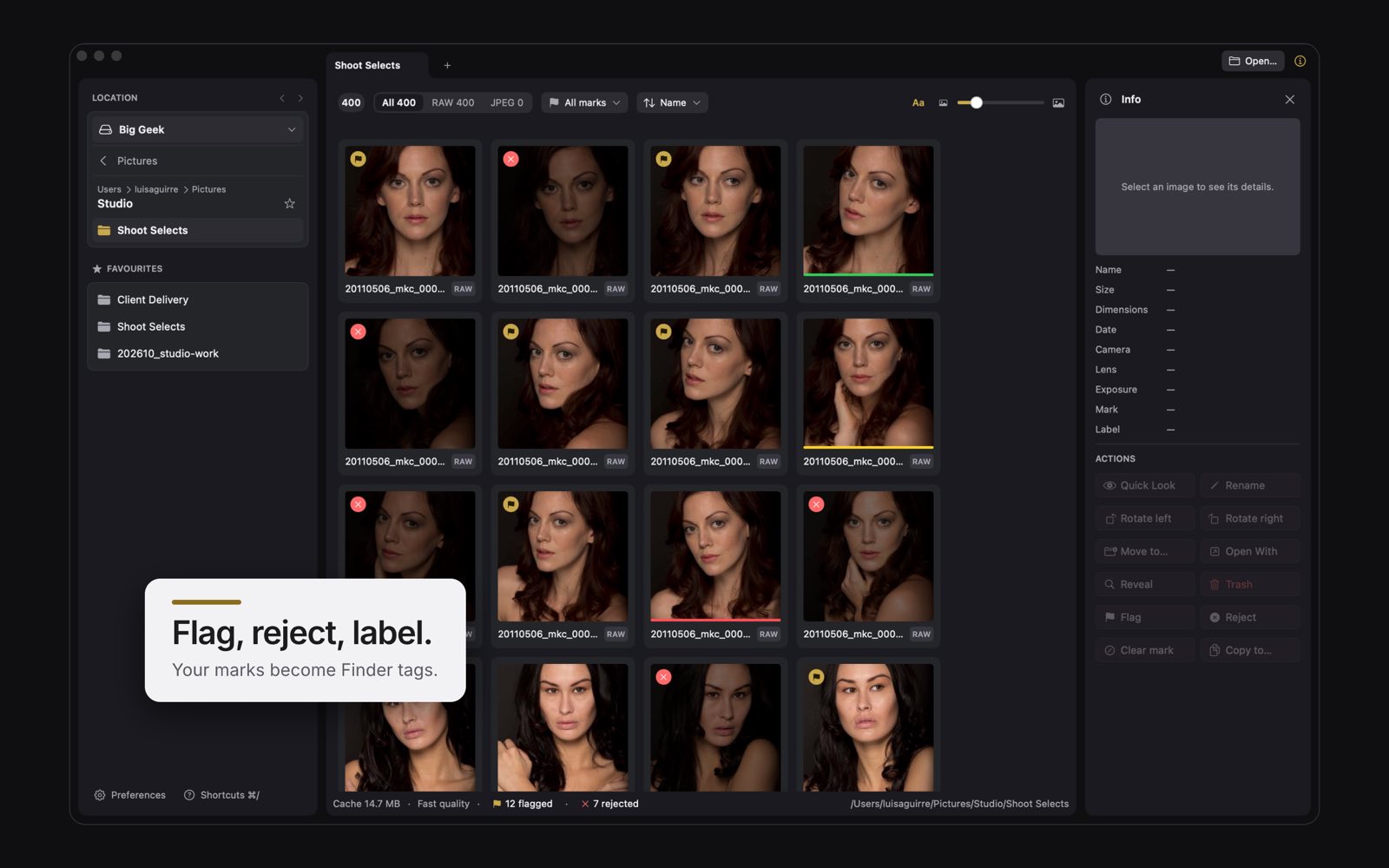
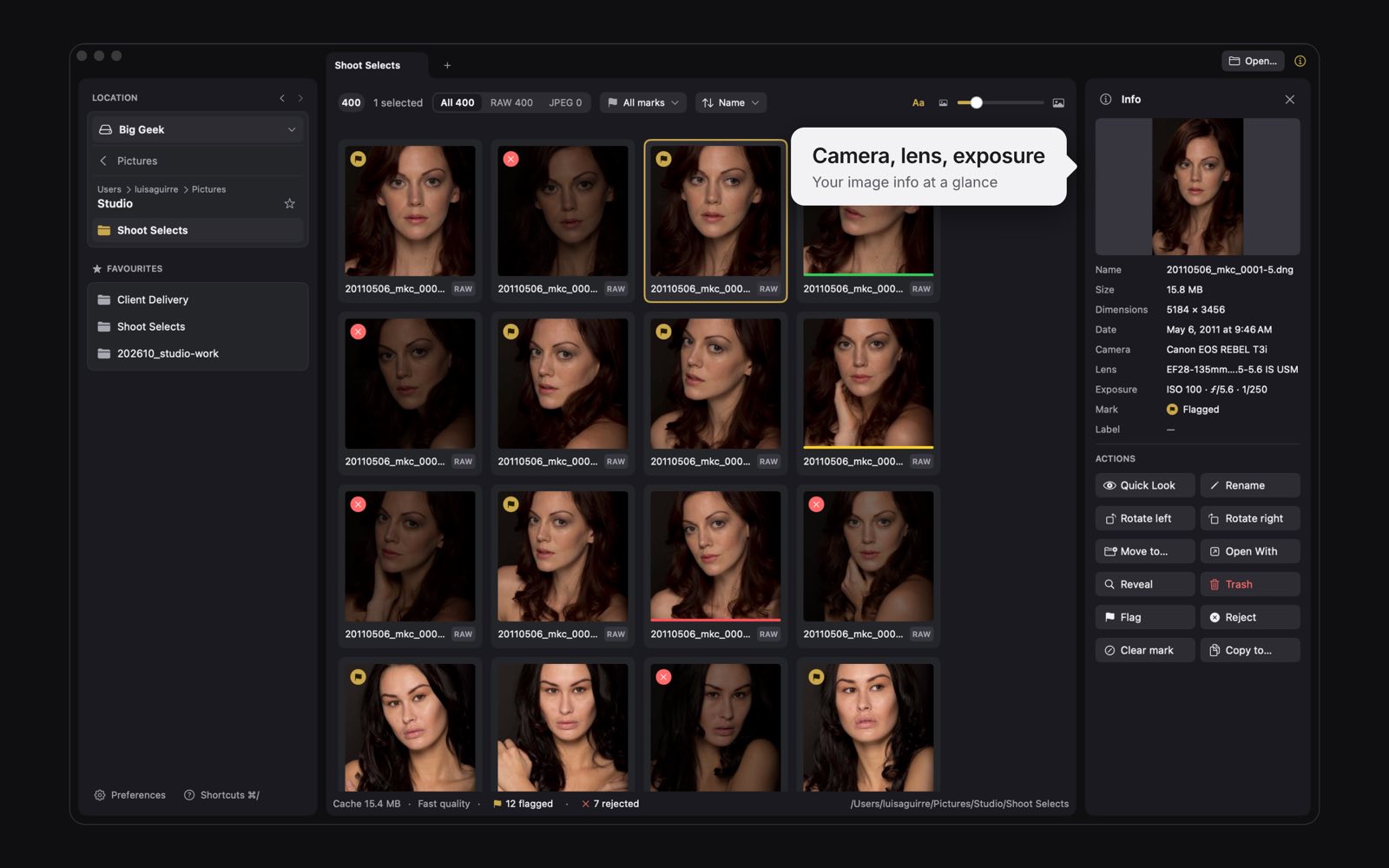
PeekView saves culling marks as Finder tags, so they show up everywhere. Lossless rotation for JPEG, HEIC and TIFF.
Open any frame full size, then act on it from the context menu, without leaving the grid.
Built to stay out of the way.
A dark interface keeps the focus on your photos, not the app. One gold accent marks what matters. Everything stays easy to read, in dark mode and light.
- 45 formatsIncluding InDesign and Affinity pages, without those apps installed.
- Cloud filesiCloud Drive, Dropbox, Google Drive and OneDrive preview without downloading.
- Finder tagsCulling marks saved as tags, so they show up everywhere.
- Lossless rotationFor JPEG, HEIC and TIFF.
- Product design
- Lifter Media
- Brand identity
- Lifter Media
- Build
- Lifter Media
- App Store release
- Lifter Media
Don't launch looking like everyone else.
Tell us what you're making and what the goal is. We'll investigate, then offer a solution.